

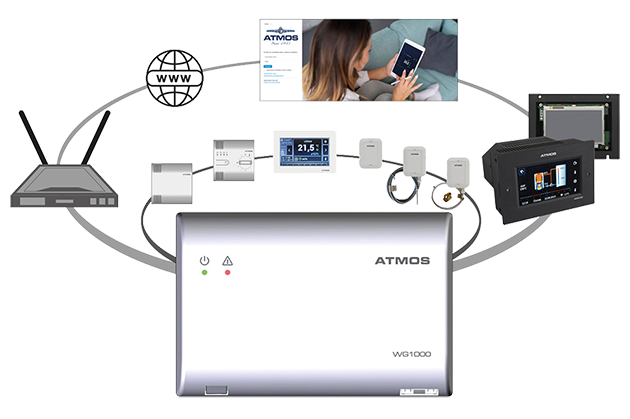
The ATMOS WG1000 wireless WiFi Gate allows:
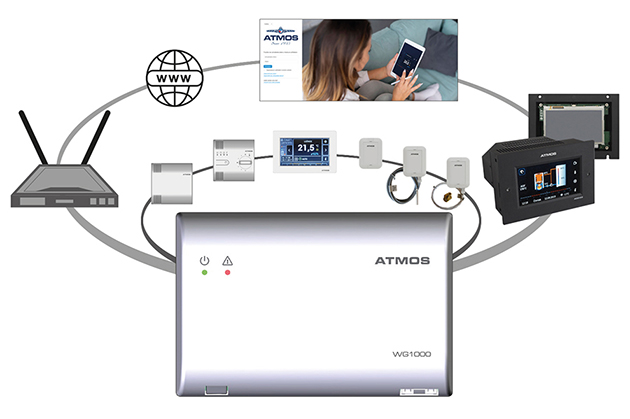
- communication with ATMOS wireless sensors and room units
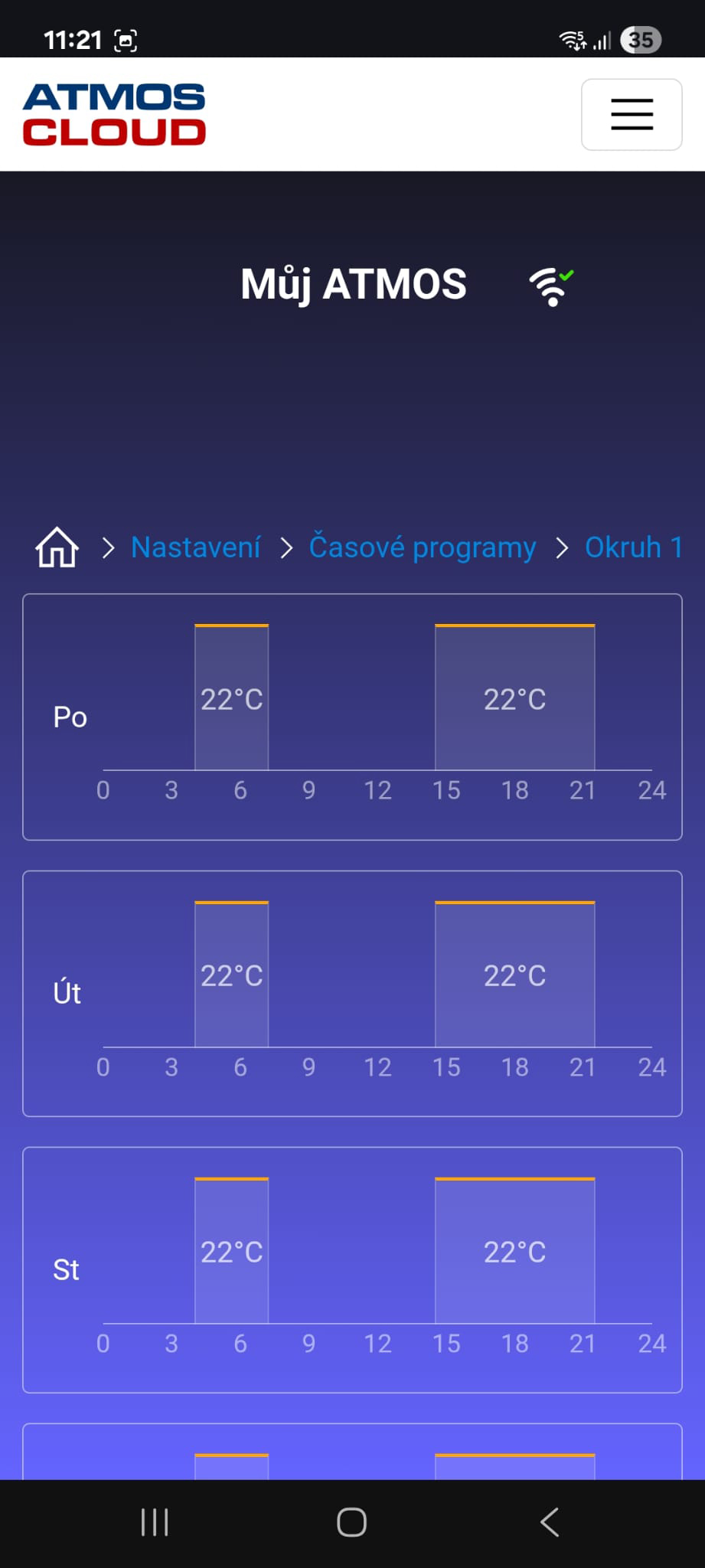
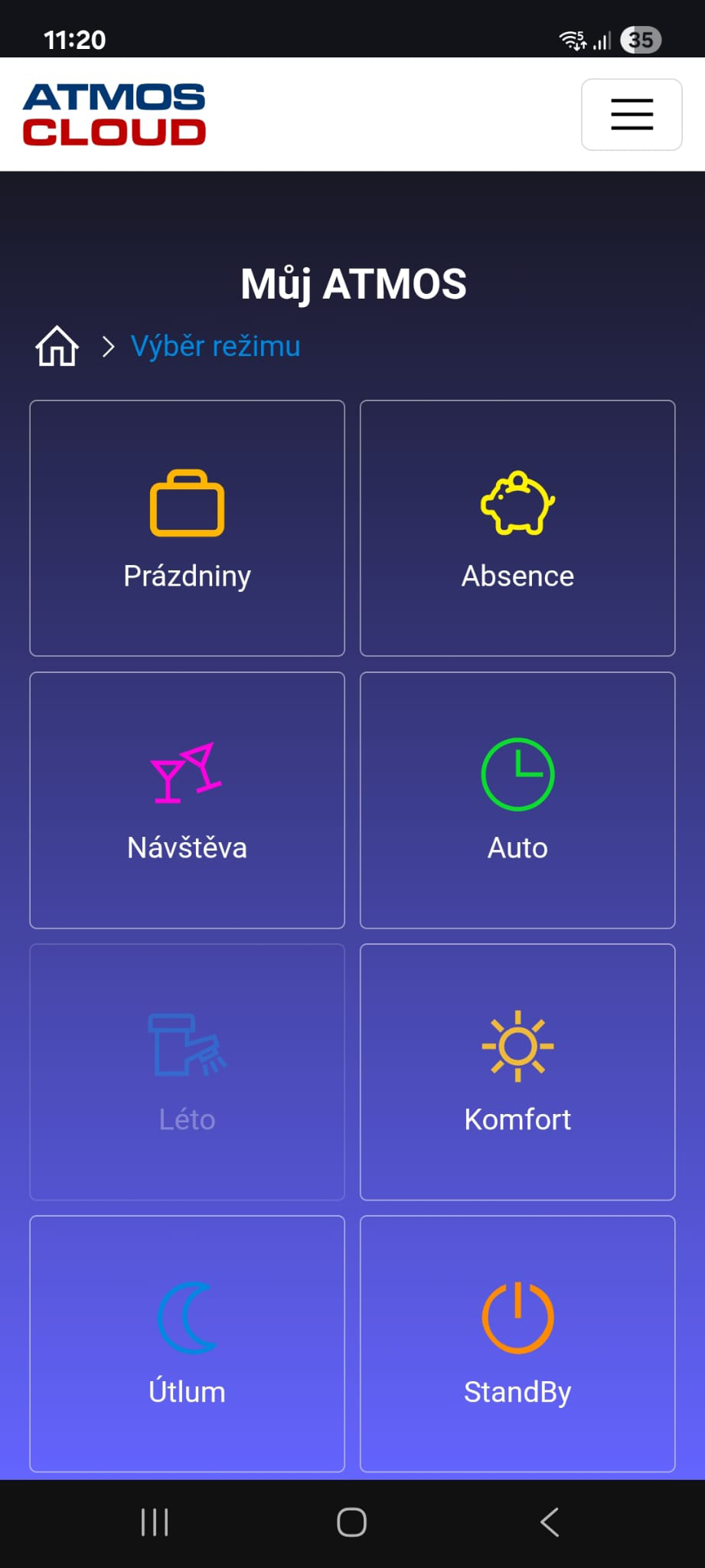
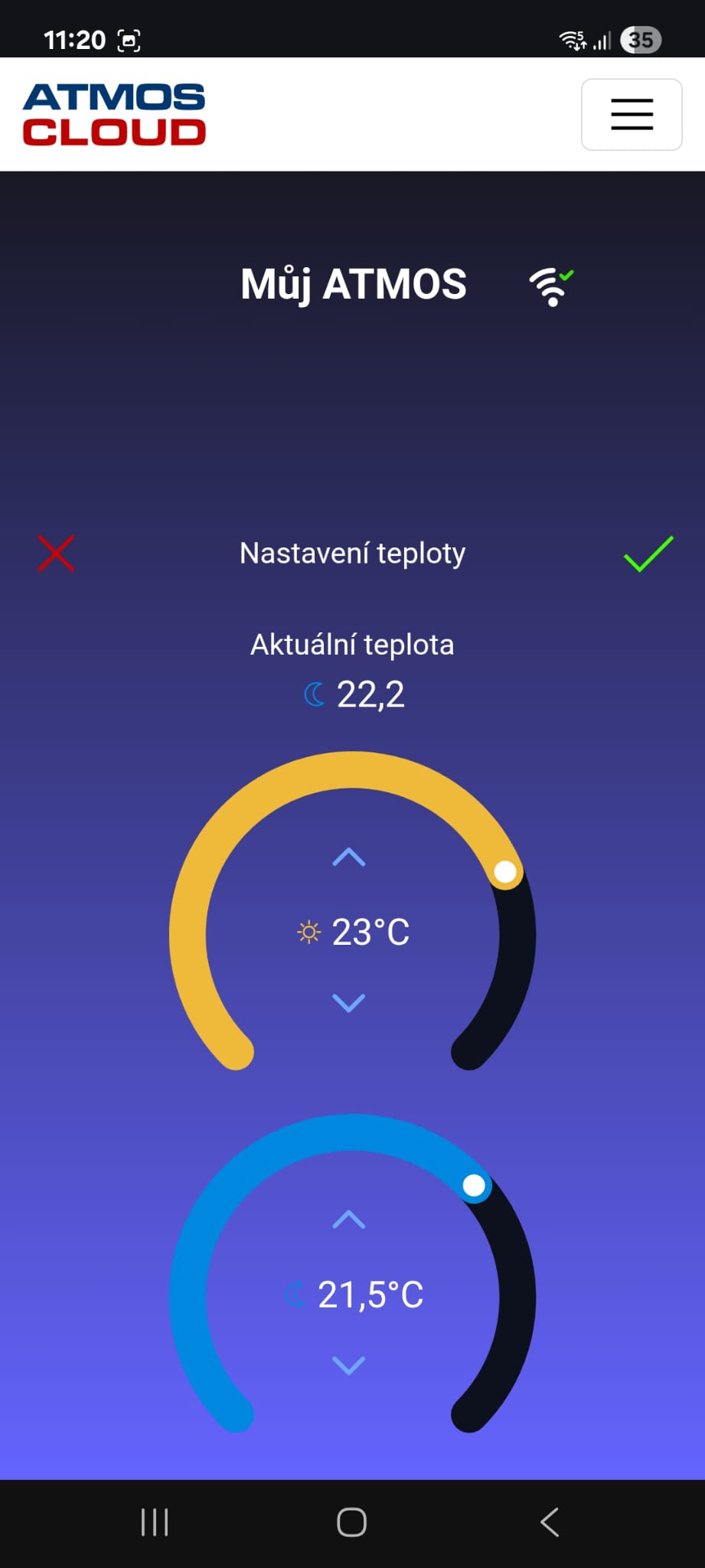
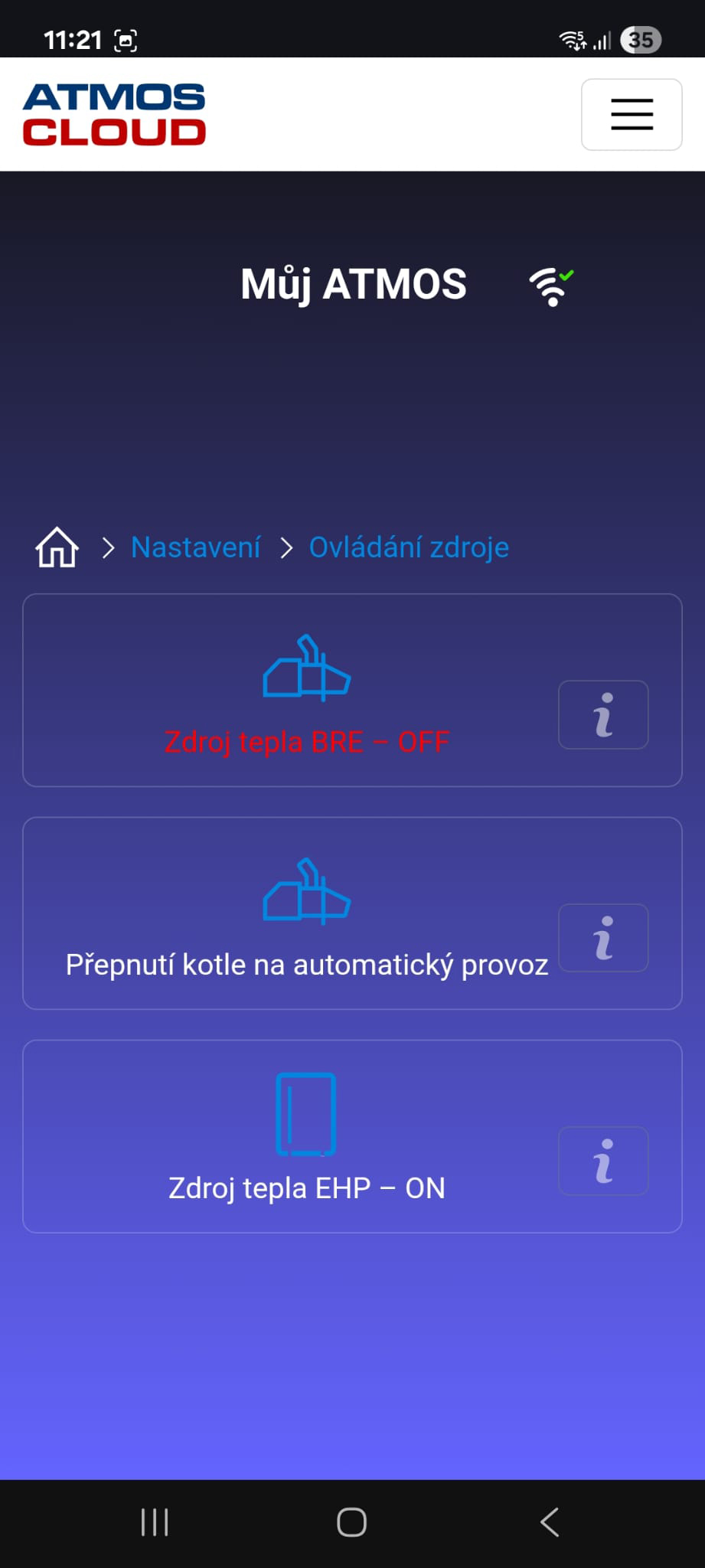
- remote control of the heating system via a mobile device / computer
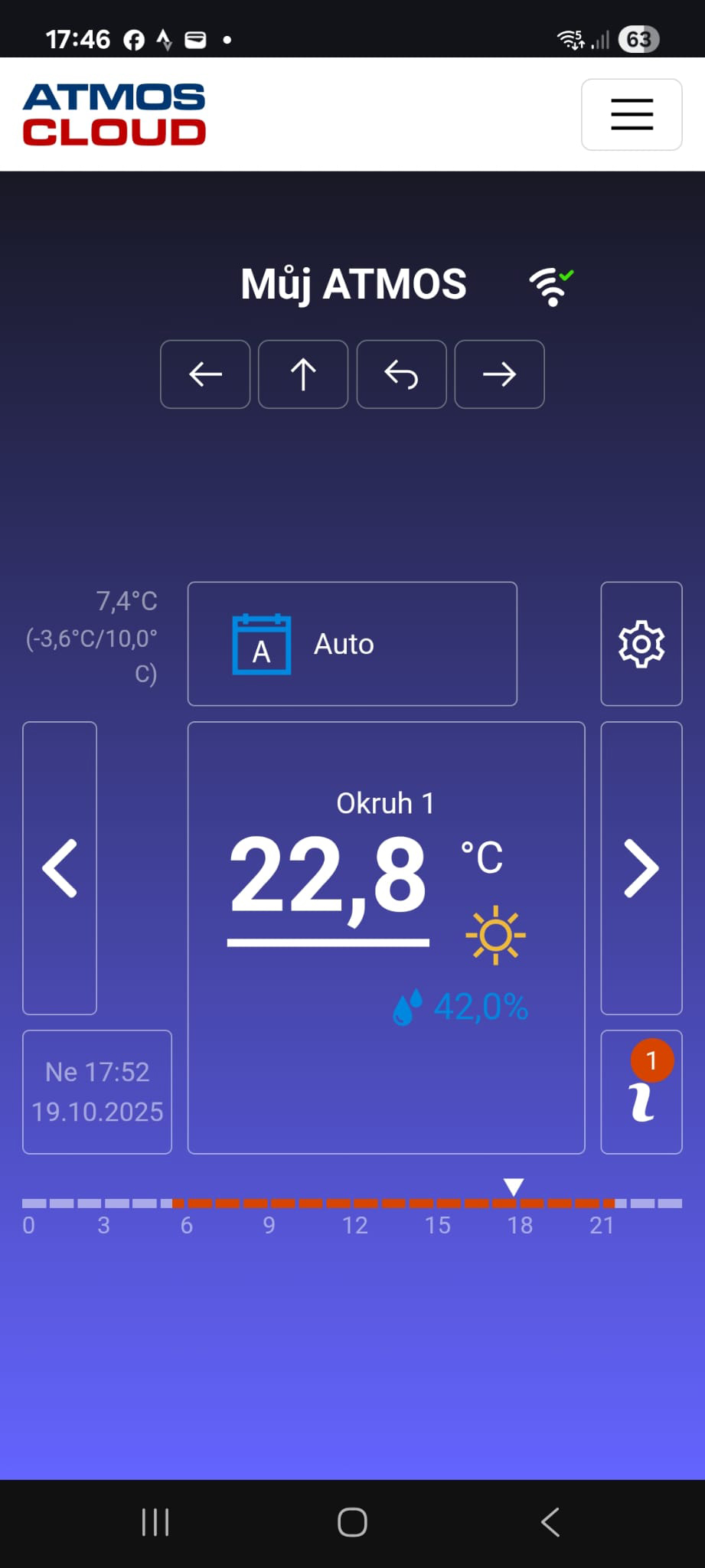
- display of all heating system information
- access sharing to the device with other users
Communication
Thanks to the WG1000, you can connect all accessories for the ACD 03/04 controller into a single unit and manage it remotely using a mobile phone / tablet or computer.
Within device communication, you may encounter new terms such as ATBee, ATMOSNET, the WG1000 gateway workspace, and Cloud ATMOS.
ATBee is a wireless communication technology (2.4 GHz) connecting wireless room units and sensors to the WG1000.
ATMOSNET is the ATMOS RS485 communication line (bus) used to connect external devices to the ATMOS ACD 03/04 controller. It enables a wired connection between the ACD 03/04 controller, wired room units, and the WG1000 gateway.
The WG1000 Gateway Workspace is an environment running directly on the gateway’s HTML pages. This workspace allows complete management of the gateway itself and the connected ACD 03/04 controller without requiring an internet connection or Cloud ATMOS.
Cloud ATMOS is an online storage (server) accessible from anywhere with an internet connection. This workspace enables remote management not only of your ATMOS ACD 03/04 weather-compensated controller, but also allows you to connect other devices (WG1000 gateways) or share your device with other users (e.g., heating technicians).
Remote Control
The user has several options for controlling their heating system.
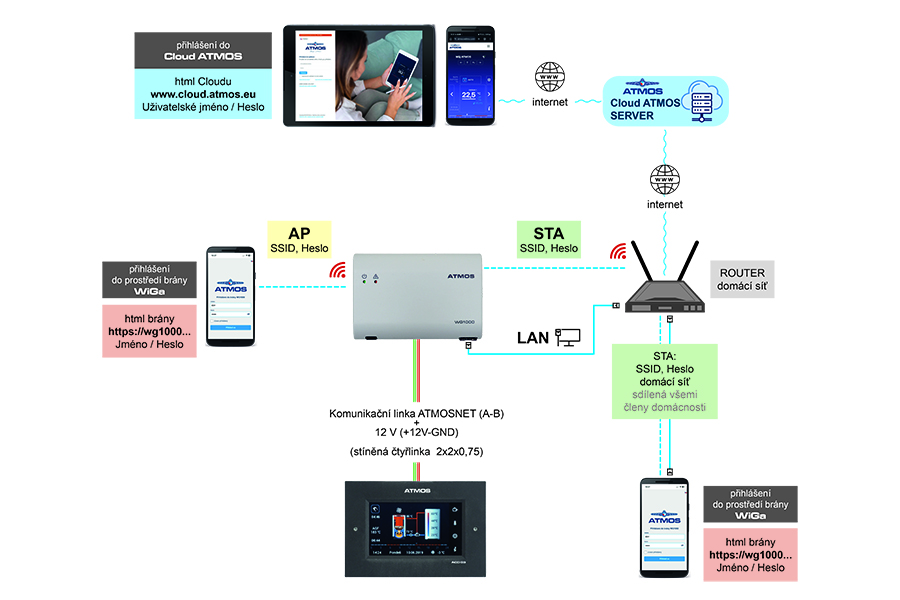
- Directly connecting to the Wi-Fi network of the WG1000 gateway to access its workspace.
- Connecting to the WG1000 via a home Wi-Fi router and your local home network.
- The most commonly used option will be connecting via the internet using Cloud ATMOS on a mobile phone, tablet, or computer.
Heating System Information
Access Sharing
Controlling and managing the heating system does not have to be a task for just one person. You can share access with family members, for example, and grant them various management rights, or you can allow access to your heating system to a technician or heating engineer when troubleshooting an issue.